
WORD.SIDE · 3 / 4
Stay with the story, with WordSide
A small lookup loop: choose a book, find a meaning, save the word in context, and return to the page.
When you read English books to improve your English, an unfamiliar word should not take your attention away from the story for long.
An unfamiliar word can pull you away from a good paragraph. Sometimes you need its meaning before the scene makes sense. WordSide keeps that moment small: find the word, understand what you need, and return to the story. Your book stays at the center, while useful words gather beside it.
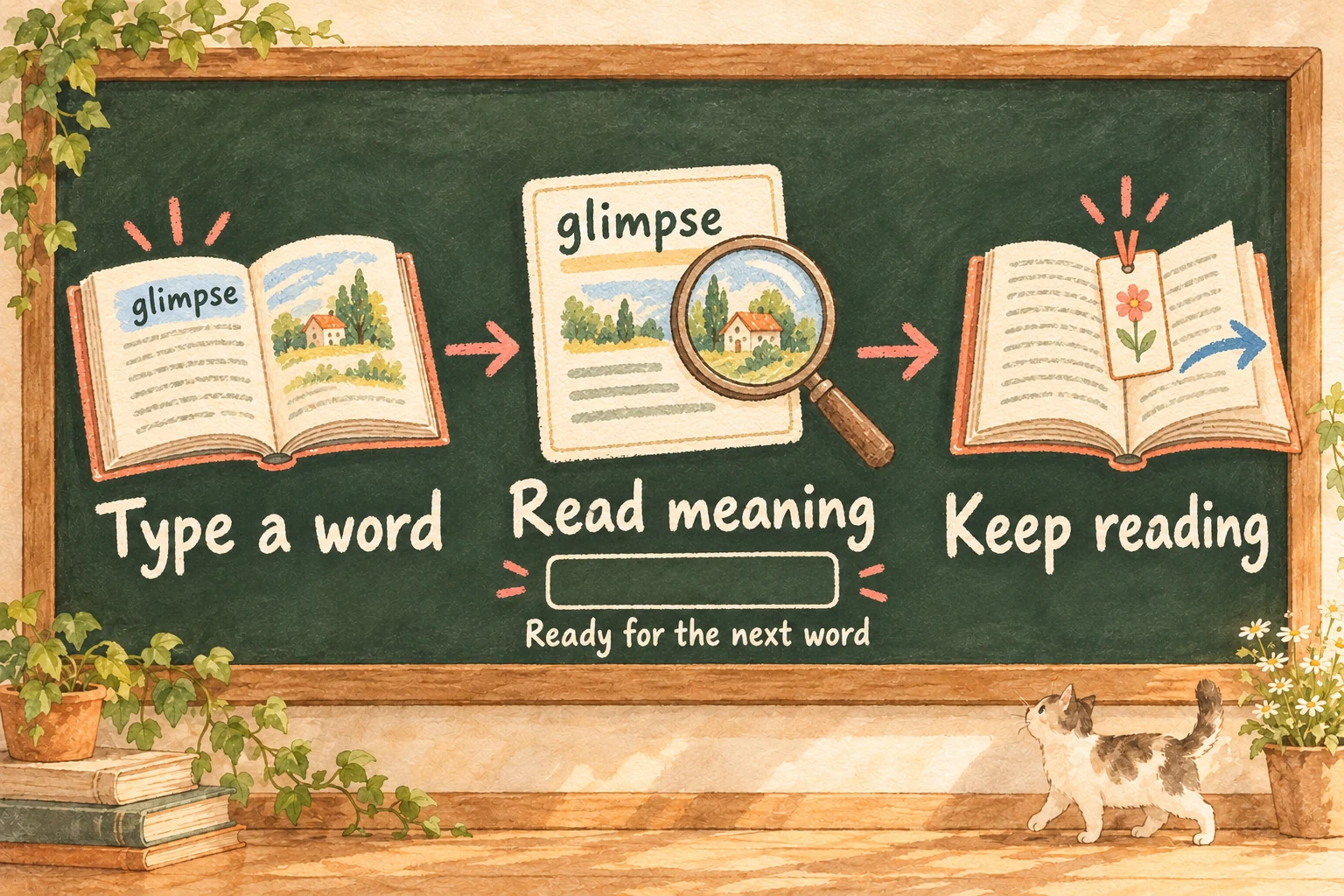
A lookup that takes care of the next step
Choose the book you are reading and type a word. Tap a matching suggestion or press Search/Enter. A successful lookup displays the meaning and automatically saves the word to that book’s list. The search input clears and keeps focus, ready for the next word you choose to type. When you have what you need, return to the sentence.
That short loop makes room for a simple reading decision. Compare the meaning with the sentence, notice which sense fits, and continue. You can follow a character’s action without turning the whole paragraph into a vocabulary exercise. The next search is ready whenever another word matters; the story determines when that moment arrives.
Your book becomes the organizing principle
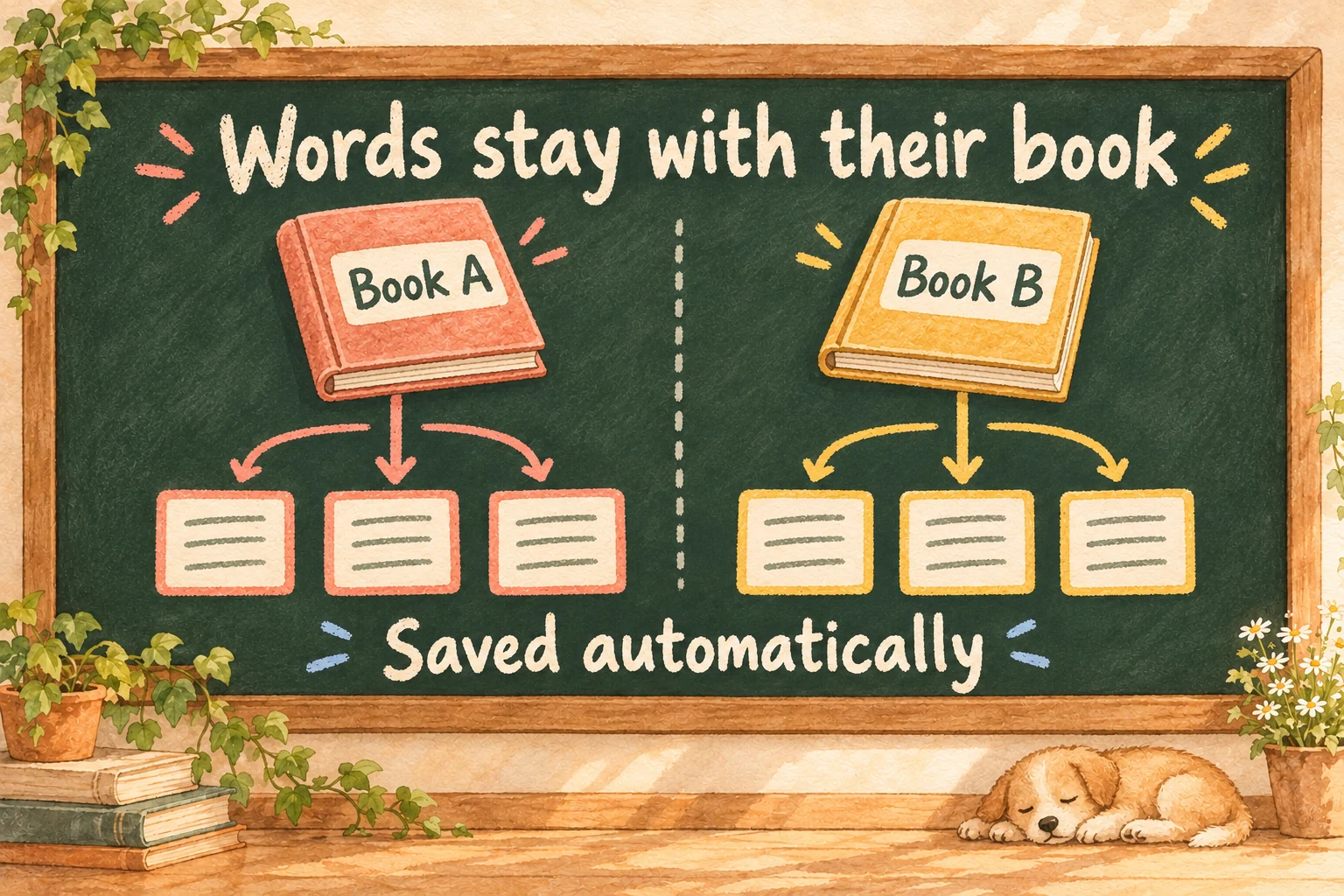
WordSide keeps looked-up words with the selected book automatically. The organization follows the reading you are already doing. A word from a mystery stays connected with that mystery; a word from an essay belongs beside that essay. Opening the list later gives you a useful starting point for remembering where you met it.
The lookup also takes care of keeping the word, so you can spend the next moment reading. When you change books, select the new book before looking up its words. Over time, each list becomes a companion to a particular reading experience. You can return to a chapter and its words together, without rebuilding the connection from memory.
Come back to the words after reading
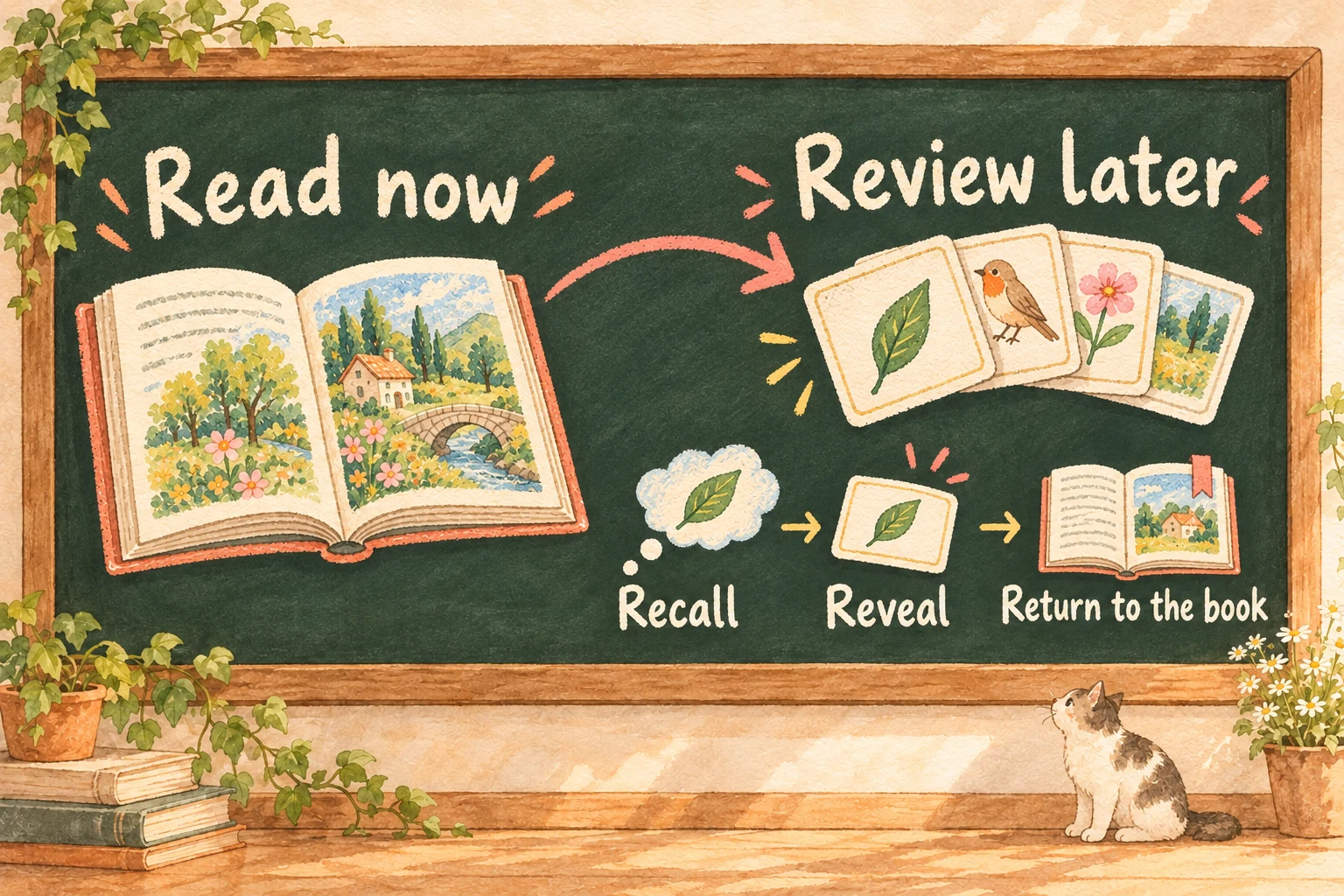
Later, open a book’s word list and tap a card to review its meaning. Try recalling the scene before revealing the answer. If the connection feels faint, find the original paragraph again: who was speaking, what happened, and why did that word matter? The card gives you a place to begin; the book gives you something to remember.
You can keep that review brief and return to the next chapter. WordSide brings lookup, book-based lists, and later cards into one reading routine. Start with the book you want to read, let a lookup keep the word for you, and get back to the part that made you open the book: what happens next.
See WordSide in action
Turn the words you look up into a clearer picture of your reading. Compare vocabulary difficulty across books, record your progress, and follow how many different words you look up per page. Explore reading analysis →
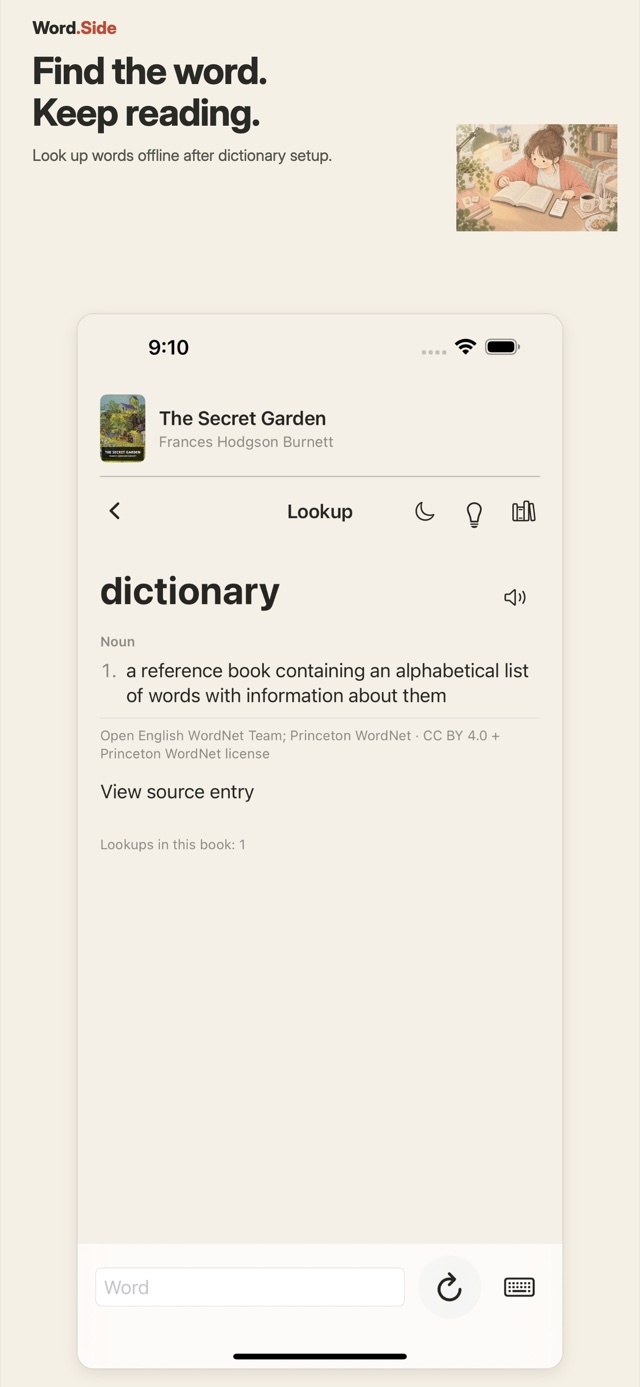
Look up words offline after dictionary setup.
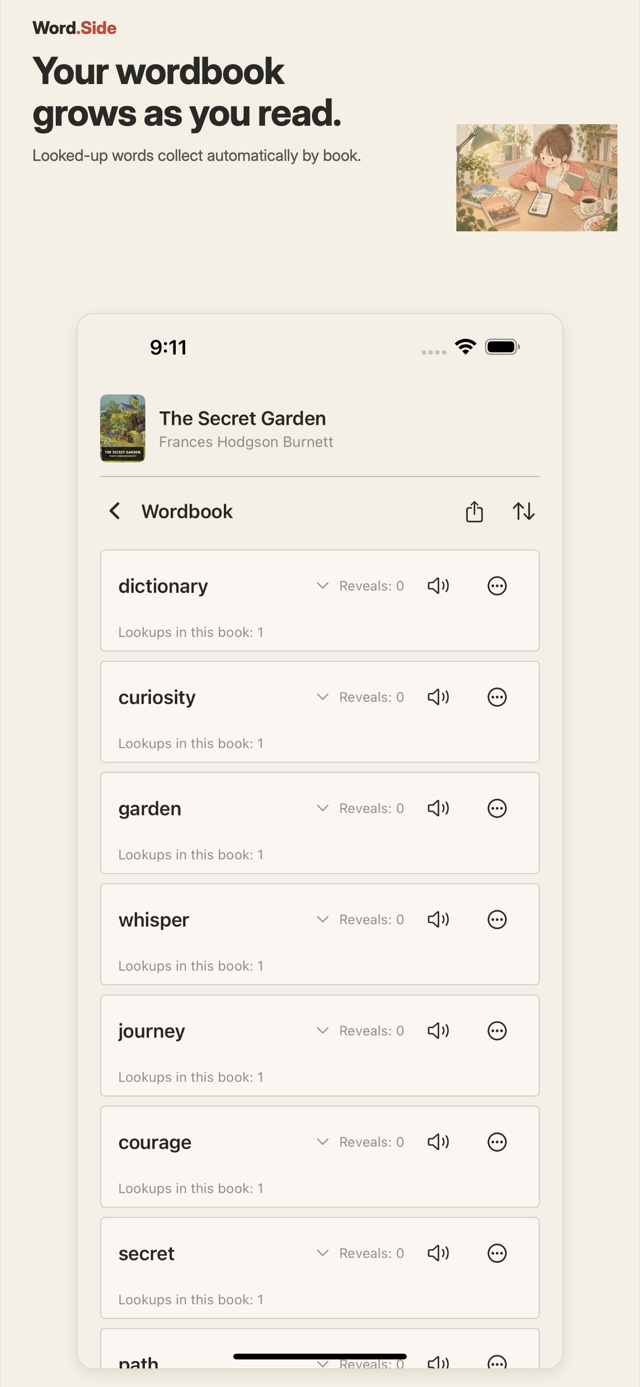
Looked-up words collect automatically by book.
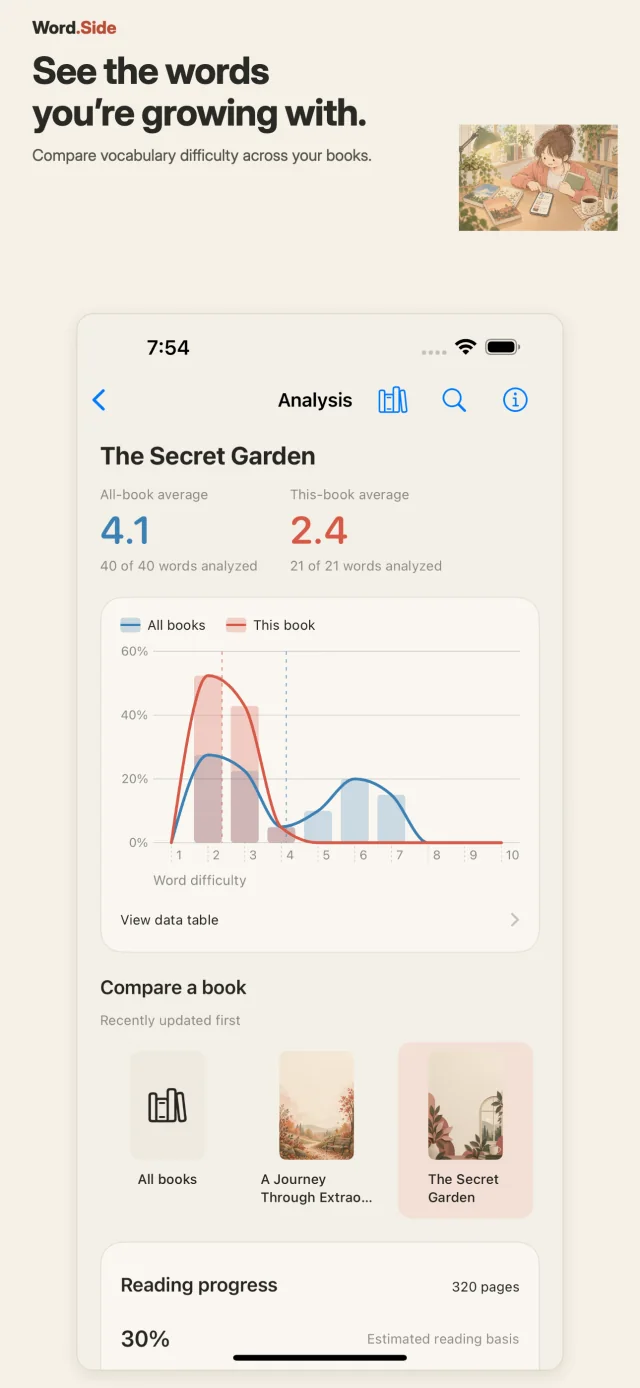
Compare vocabulary difficulty across your books.
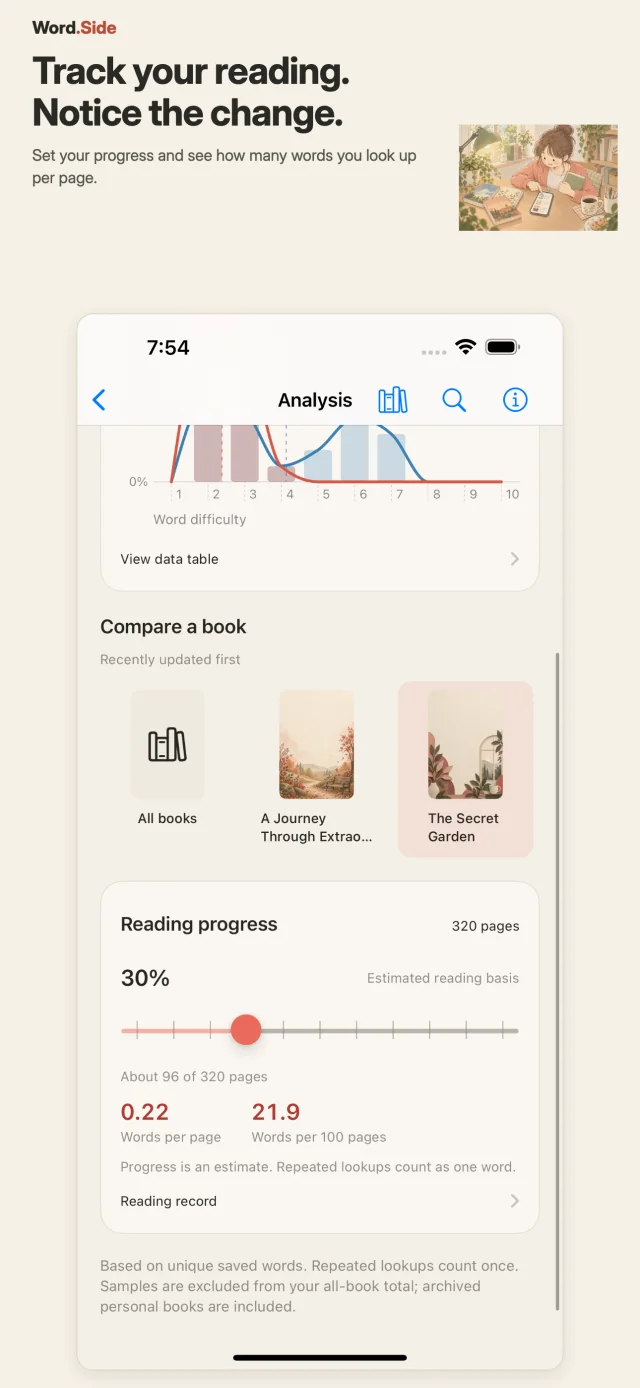
Set your progress and see how many words you look up per page.
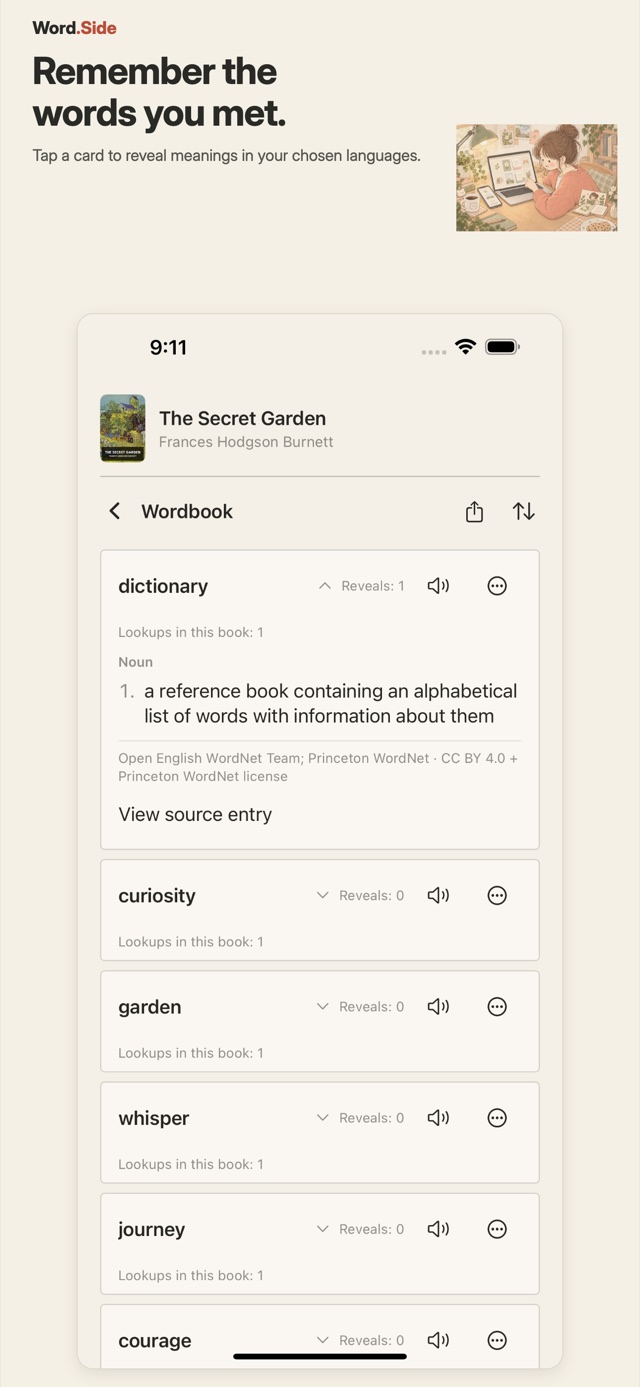
Tap a card to reveal meanings in your chosen languages.
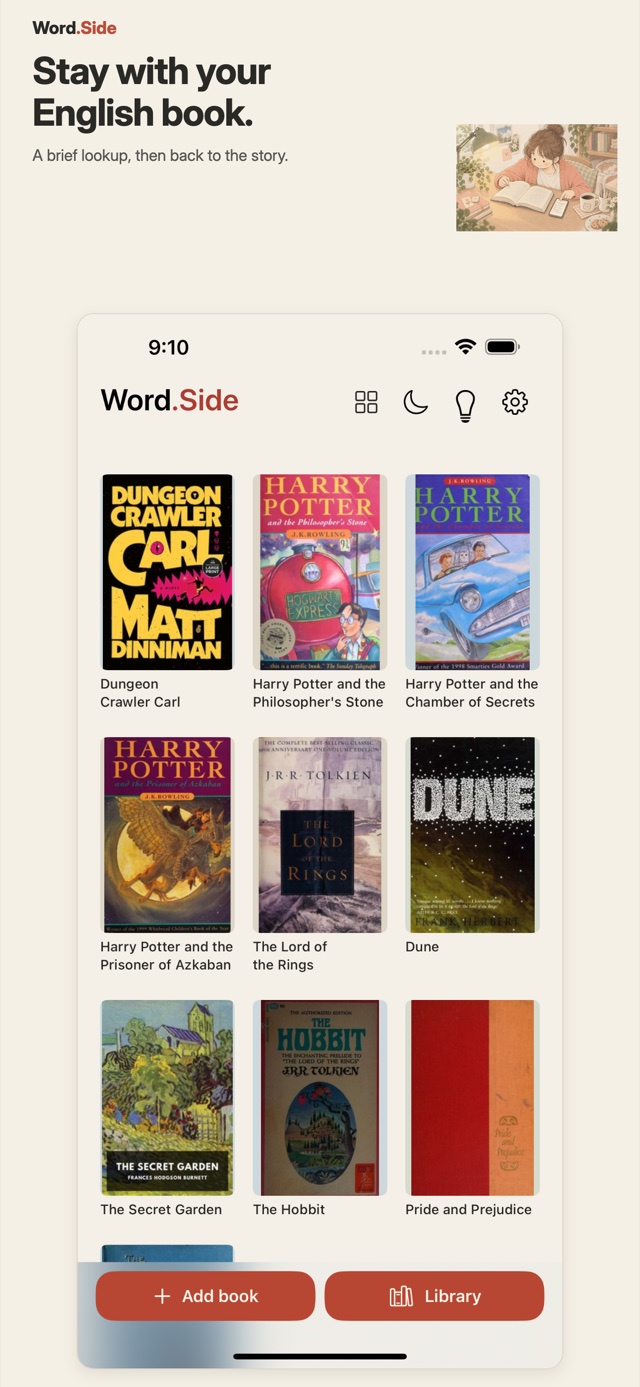
A brief lookup, then back to the story.
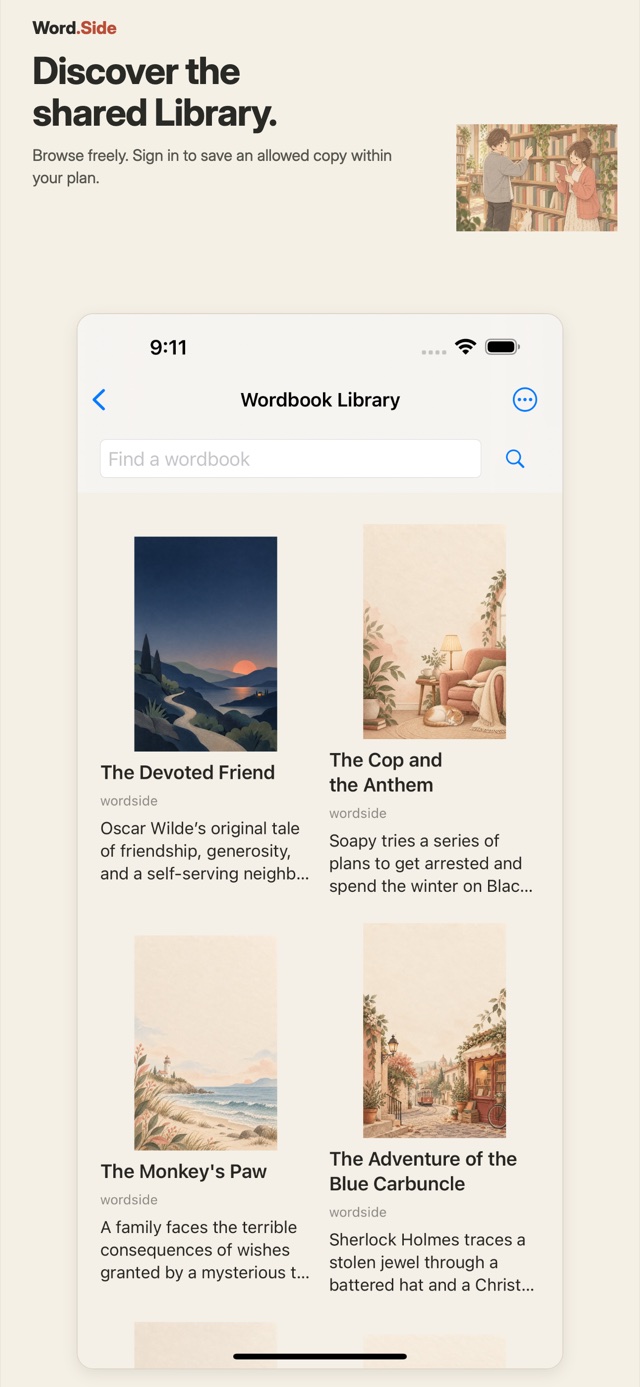
Browse freely. Sign in to save an allowed copy within your plan.
References
Keep your attention on your English book
Find a meaning with a few taps. Your words collect automatically in a wordbook for the book you are reading.